Skip to contentNortheast Ohio Ameriglide Stairlifts
Safe, reliable & affordable stairlifts
for regaining your independence.
How Much Does a Stairlift Cost in Cleveland Ohio?
Ask most stairlift dealers this question and you may get a vague price range – usually somewhere in the thousands. But when you ask for an actual number? They’ll insist on a home visit to “assess your staircase.” Seriously? Has a car dealer ever asked to see your garage before quoting you a price?
At Northeast Ohio Stairlifts, we do things differently. No online forms to fill out, divulging your personal information. We’re happy to take your phone call & work with you and arrive at a ballpark estimate in minutes. After all, if you can’t afford our stairlifts, it’s very unlikely that you’ll be able to afford our competitors’. To facilitate your estimate, we ask that you know your type of stairs and that you review our FAQ page, Requirements of a Standard Stairlift Installation. And be advised that the person who takes your call will be the same person who will be with you throughout your stairlift journey. No “he said, she said” drama.
Select Your Type of Stairs
What Type of Stairlift is Right for You?
Stairlifts come in two types: straight-run and curved. If your staircase runs straight up without any curves, bends, or landings, our AmeriGlide Rave 2 stairlift is the ideal solution. It offers premium features—without the premium price.
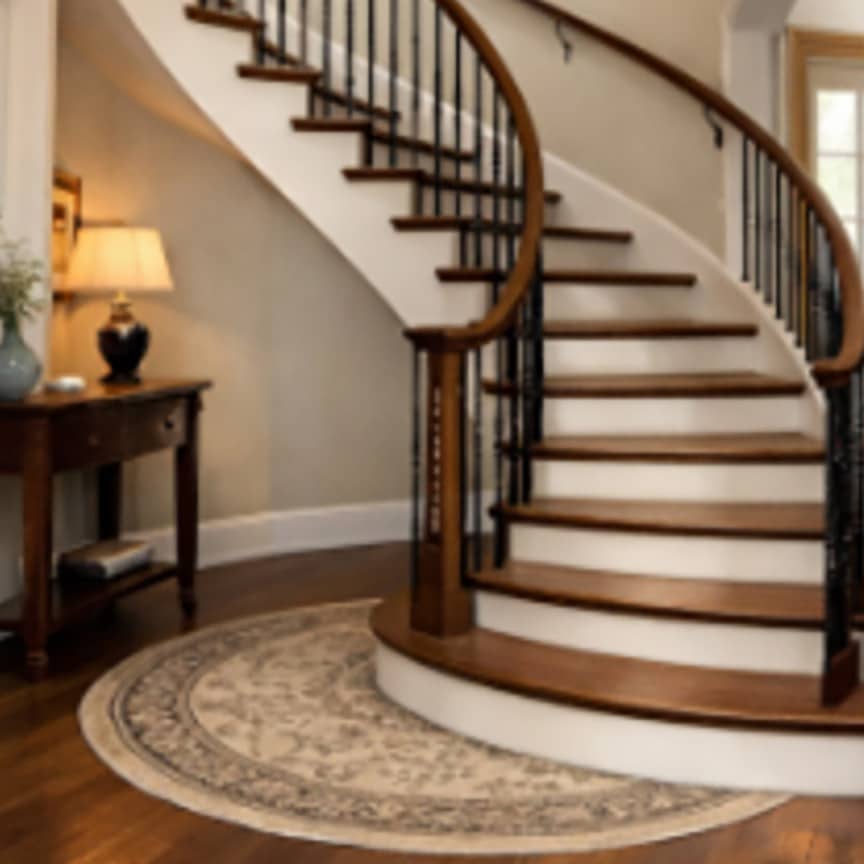
On the other hand, our Infinity 2 curved stairlift can be custom-fitted to stairways to handle turns or intermediate landings. Top-tier quality at a budget-friendly price.
And while most stairlifts are installed indoors, both types can be weatherproofed for reliable outdoor use as well.
document.addEventListener('click', function (e) {
// Only care about Elementor button anchors
var anchor = e.target.closest('a.elementor-button-link');
if (!anchor) return;// Must be inside a button widget that has data-action
var widget = anchor.closest('.elementor-widget-button[data-action]');
if (!widget) return;// If the anchor has a real link, let it behave normally
var href = anchor.getAttribute('href');
if (href && href !== '#') return;// Find the nearest Swiper this button lives in
var host = widget.closest('.swiper, .swiper-container');
var swiper = host && host.swiper;
if (!swiper) return;e.preventDefault();var action = (widget.getAttribute('data-action') || '').toLowerCase();
if (action === 'next') {
swiper.slideNext();
} else if (action === 'prev') {
swiper.slidePrev();
}
});
function openNestedAccordionByHash() {
const hash = window.location.hash.slice(1);
if (!hash) return;const details = document.getElementById(hash);
if (!details || details.tagName.toLowerCase() !== 'details') return;// Get parent accordion (the container that holds all <details>)
const accordion = details.closest('.e-n-accordion');
if (!accordion) return;// Whether the widget is configured for one-open-at-a-time
const widget = details.closest('[data-settings]');
let onlyOneOpen = false;
if (widget) {
try {
const settings = JSON.parse(widget.getAttribute('data-settings'));
onlyOneOpen = settings.max_items_expended === "one";
} catch (e) {}
}// If we're in one-open-at-a-time mode:
if (onlyOneOpen) {
const siblings = accordion.querySelectorAll('details.e-n-accordion-item');
siblings.forEach(item => {
if (item !== details) item.open = false;
});
}// Open the requested item
details.open = true;// Scroll to it
details.scrollIntoView({ behavior: 'smooth', block: 'start' });
}document.addEventListener('DOMContentLoaded', openNestedAccordionByHash);
window.addEventListener('hashchange', openNestedAccordionByHash);document.addEventListener('click', function (e) {
const link = e.target.closest('a[href^="#"]');
if (!link) return;
setTimeout(openNestedAccordionByHash, 0);
});
/**
* Toggle Collapse
*
* Wires up Elementor buttons to show/hide a target element on mobile.
*
* Setup:
* 1. Add CSS class "toggle-btn" to the Elementor button widget under Advanced → CSS Classes
* 2. Add the following custom attributes to the button under Advanced → Attributes:
* data-toggle-target | your-target-element-id
* data-show-text | Show Details
* data-hide-text | Hide Details
* 3. Add a CSS ID to the element you want to toggle under Advanced → CSS ID
*
* Notes:
* - Toggle only takes effect on mobile (max-width: 767px)
* - On desktop the target element is always visible regardless of toggle state
* - data-show-text and data-hide-text are optional, defaulting to "Show" / "Hide"
*/
document.addEventListener('DOMContentLoaded', function () {
document.querySelectorAll('.toggle-btn .elementor-button').forEach(function (btn) {
var targetSelector = btn.getAttribute('data-toggle-target');
var showText = btn.getAttribute('data-show-text') || btn.querySelector('.elementor-button-text').textContent;
var hideText = btn.getAttribute('data-hide-text') || 'View Less';
var target = document.querySelectorAll(targetSelector);btn.addEventListener('click', function (e) {
e.preventDefault();
var isHidden = target.forEach(function (el) {
el.classList.toggle('toggle-collapsed');
});
btn.querySelector('.elementor-button-text').textContent = isHidden ? showText : hideText;
});
});
});
( () => {
const lazyloadRunObserver = () => {
const lazyloadBackgrounds = document.querySelectorAll( `.e-con.e-parent:not(.e-lazyloaded)` );
const lazyloadBackgroundObserver = new IntersectionObserver( ( entries ) => {
entries.forEach( ( entry ) => {
if ( entry.isIntersecting ) {
let lazyloadBackground = entry.target;
if( lazyloadBackground ) {
lazyloadBackground.classList.add( 'e-lazyloaded' );
}
lazyloadBackgroundObserver.unobserve( entry.target );
}
});
}, { rootMargin: '200px 0px 200px 0px' } );
lazyloadBackgrounds.forEach( ( lazyloadBackground ) => {
lazyloadBackgroundObserver.observe( lazyloadBackground );
} );
};
const events = [
'DOMContentLoaded',
'elementor/lazyload/observe',
];
events.forEach( ( event ) => {
document.addEventListener( event, lazyloadRunObserver );
} );
} )();